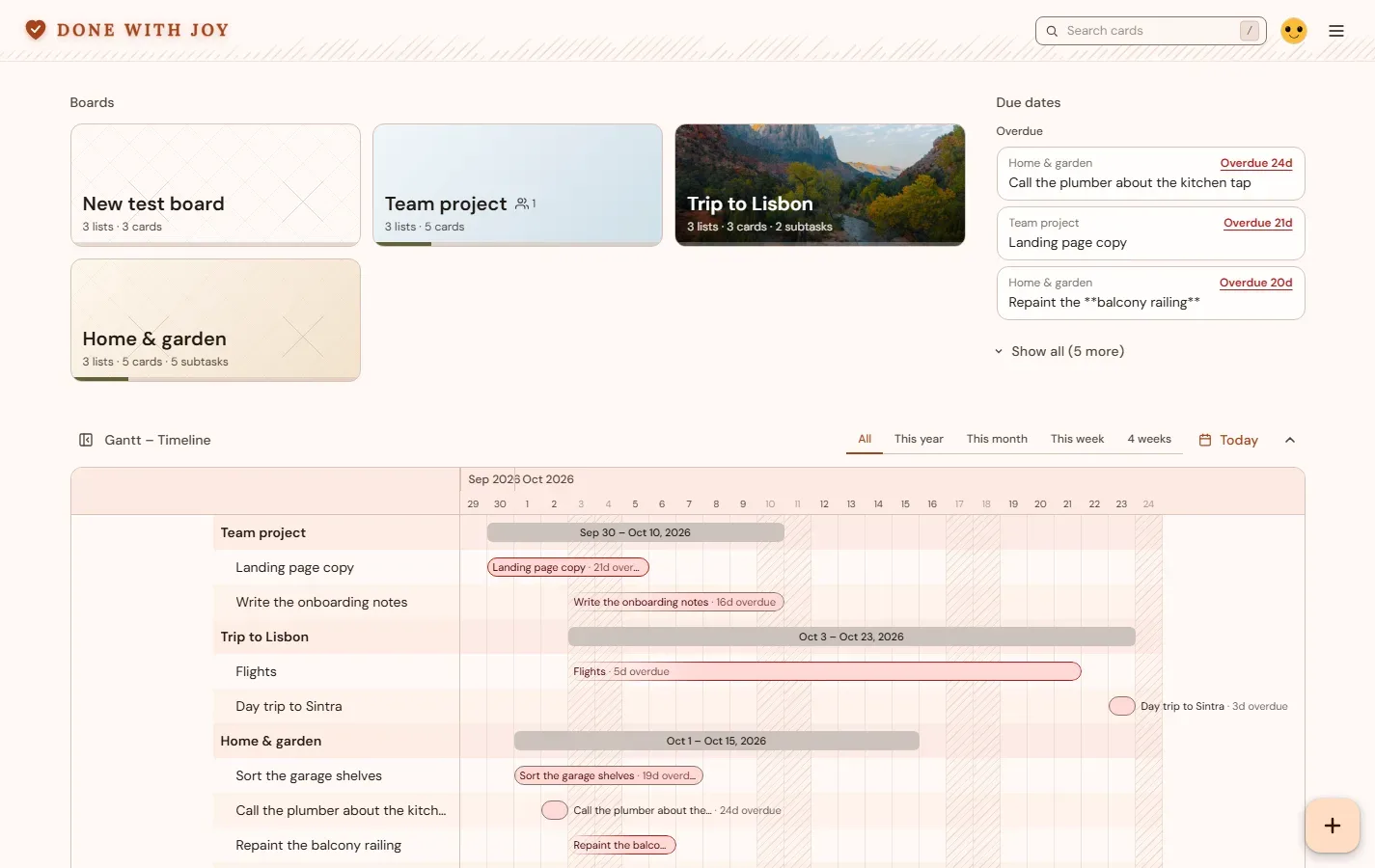
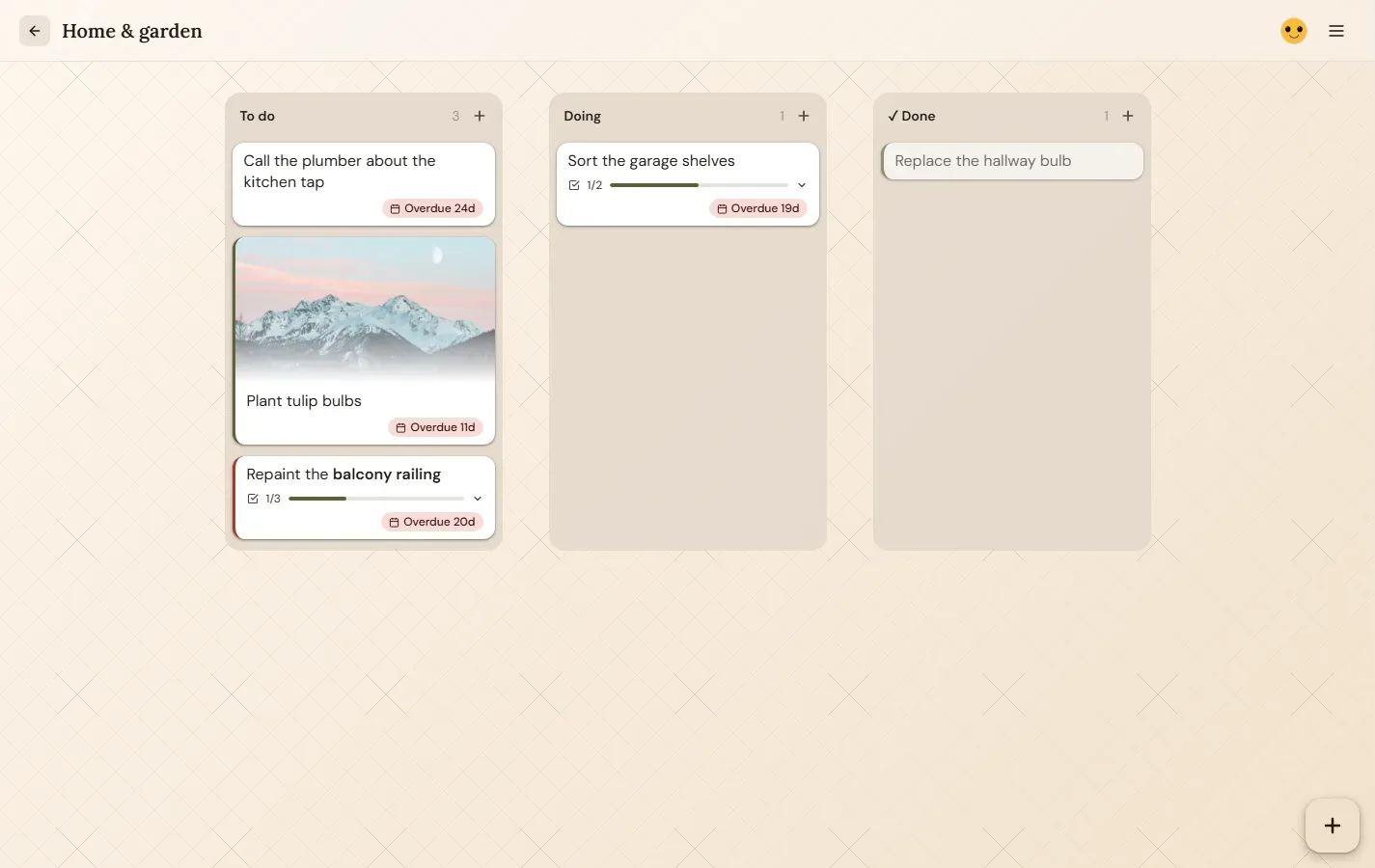
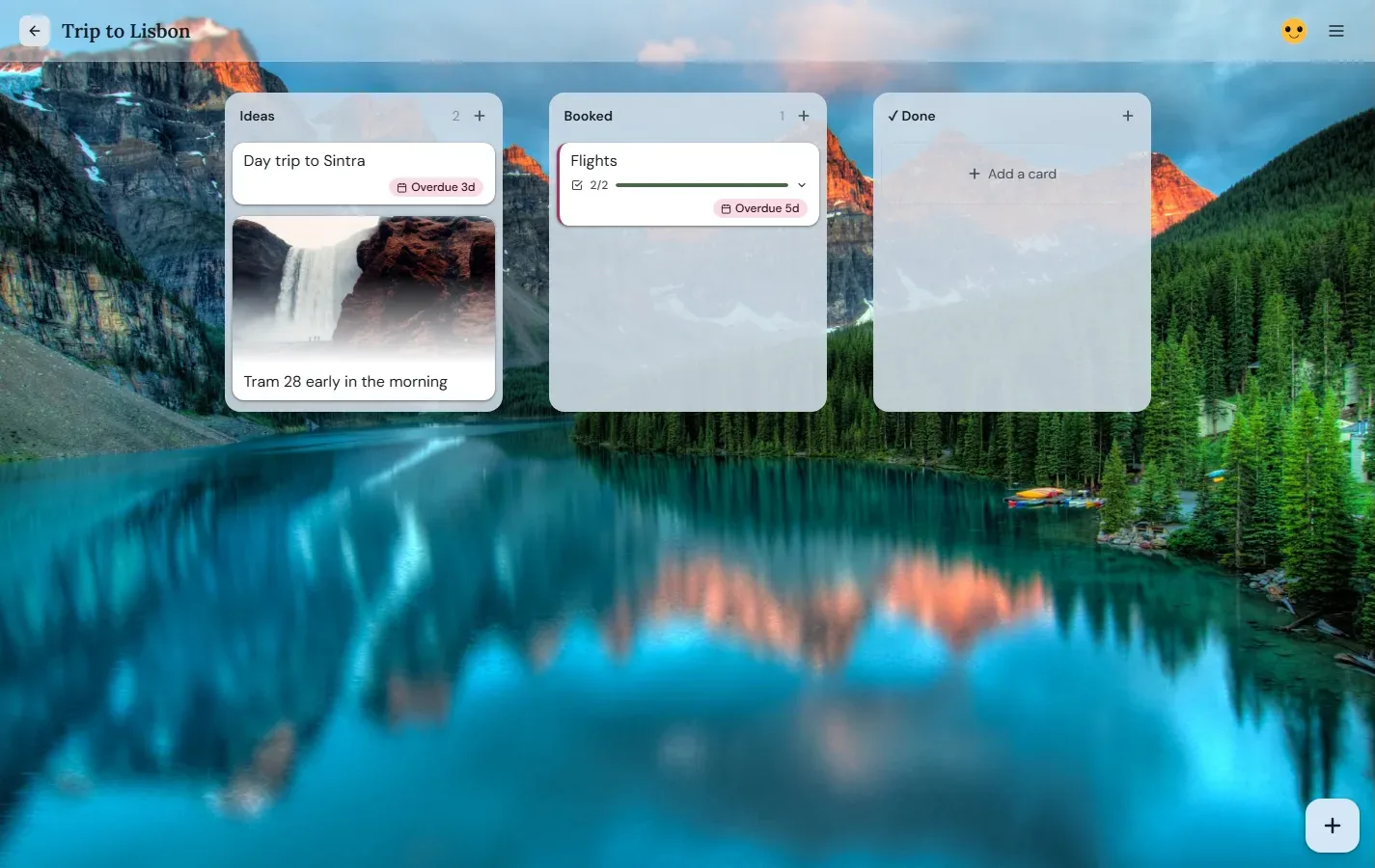
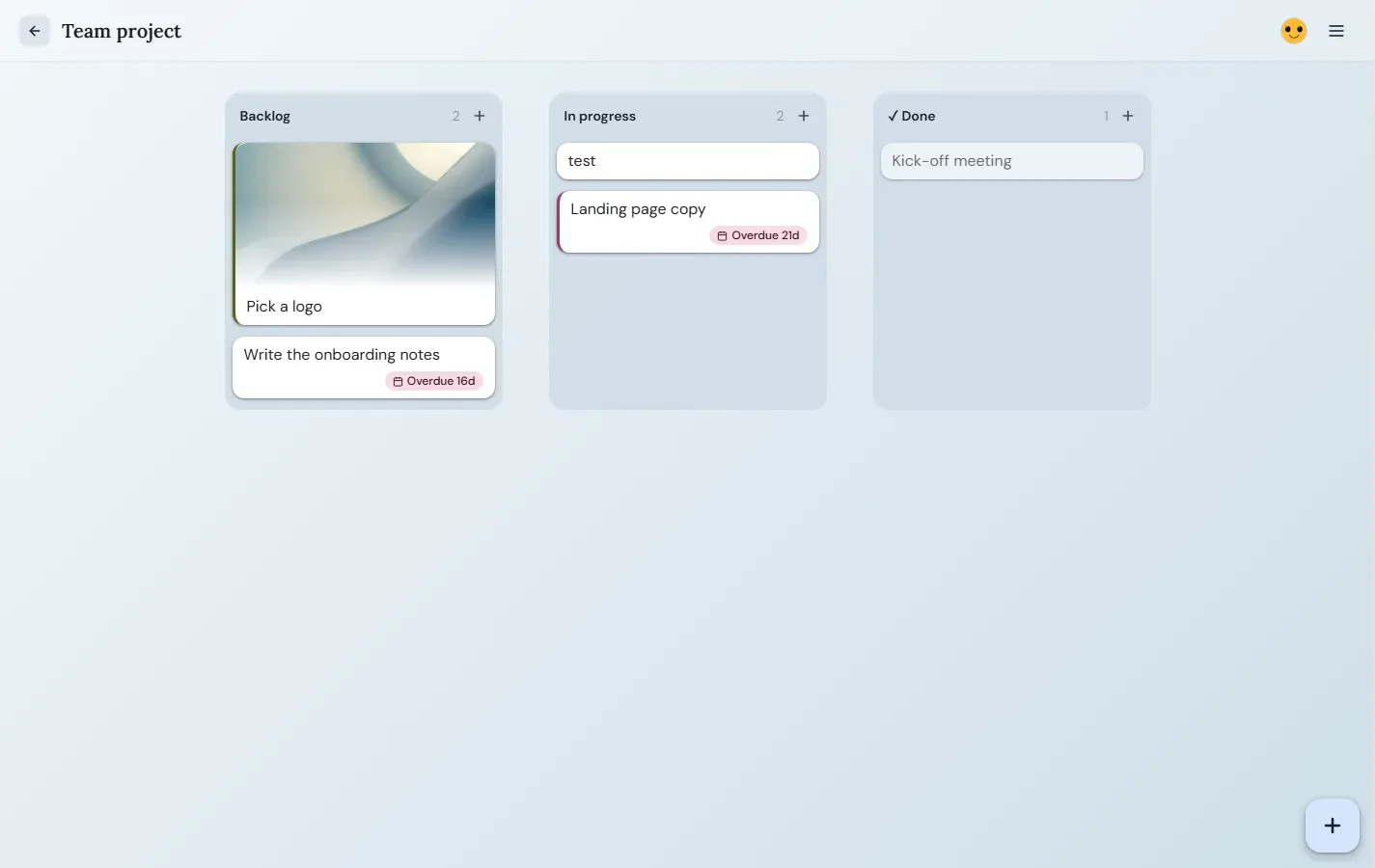
Personal task boards. Stack lists, drag cards, attach images, set due dates. A focused workspace for getting things done.
Sign in
Changelog
Changelog
2026-09-14
- Done With Joy has its own domain now: donewithjoy.app.
- Achiever is now Done With Joy, with a new logo: a heart with a tick.
- Moving a card into Done sends hearts of all sizes floating up from the bottom of the screen.
- Every board gets an icon: the first letter of its name in a softly outlined square, shown in the boards list.
2026-09-13
- New boards, lists and cards flash green; deleted ones flash red, then disappear.
- A “Saved” notice confirms every change, and “Refreshed” shows when changes from another device come in.
- An open board now picks up a new name, background or card order set on another device.
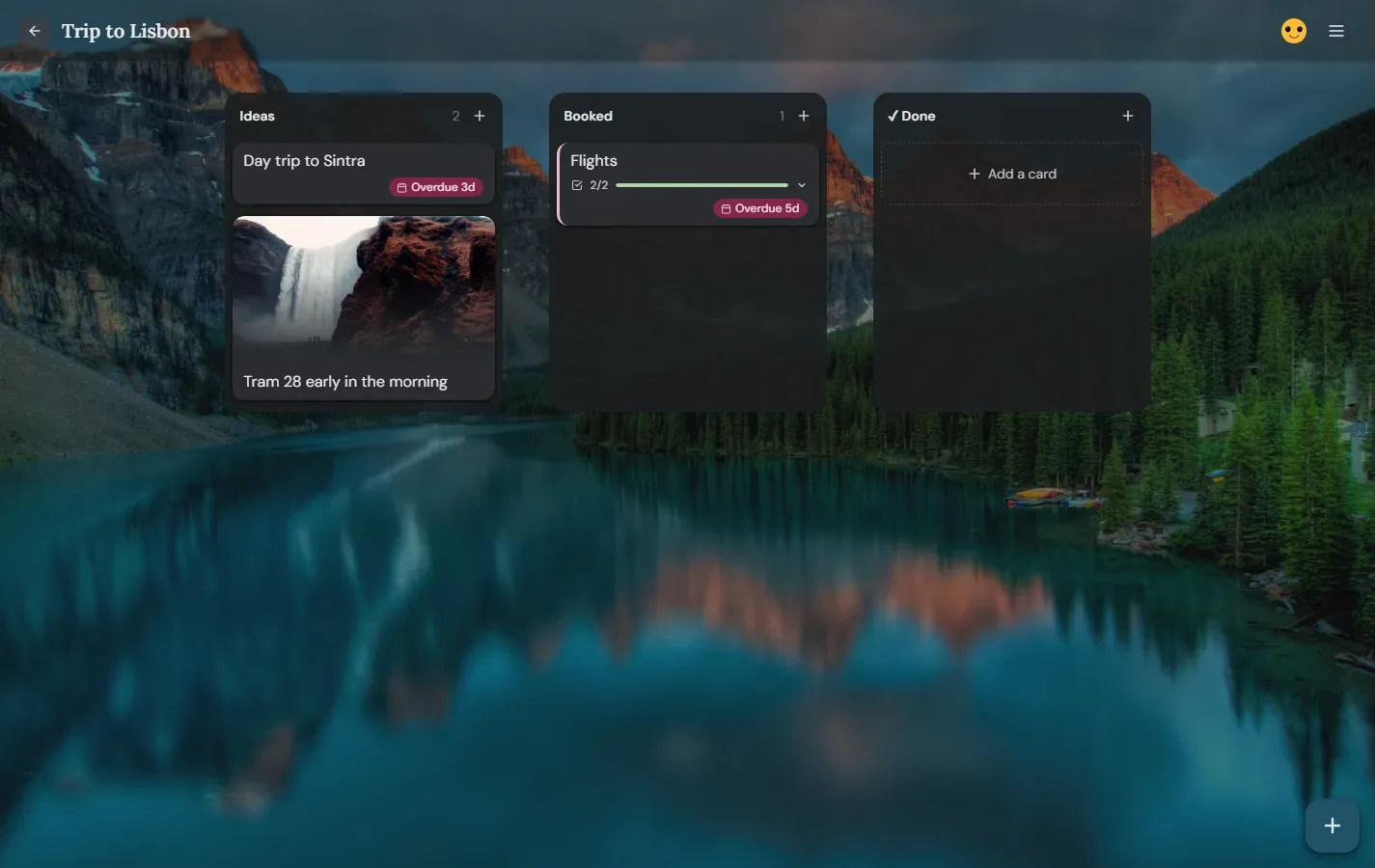
- Each list shows how many cards it has in its top-right corner; empty lists say “No cards yet.”
- Help is now in the ⋯ menu on the boards page too.
- Boards page: narrower board cards, plus a + button in the bottom right and the C key for a new board — same as adding a card on a board.
- Phones: a + button next to the ⋯ menu adds a card on a board, or a new board on the boards page.
- Add new lists right inside Edit lists.
- Empty lists are deleted without asking.
- Phones: swipe to the next list anywhere on the screen.
- After sending a message, a “Back to Homepage” button takes you home.
- Logging out brings you back to the start page.
- Tidier start page, and archived boards line up with the rest.
- Cards with a picture are dragged by the picture, whether it sits at the top or the bottom.
- The grab cursor shows only while you’re actually dragging.
- A quick click on a card or list no longer looks like the start of a drag.
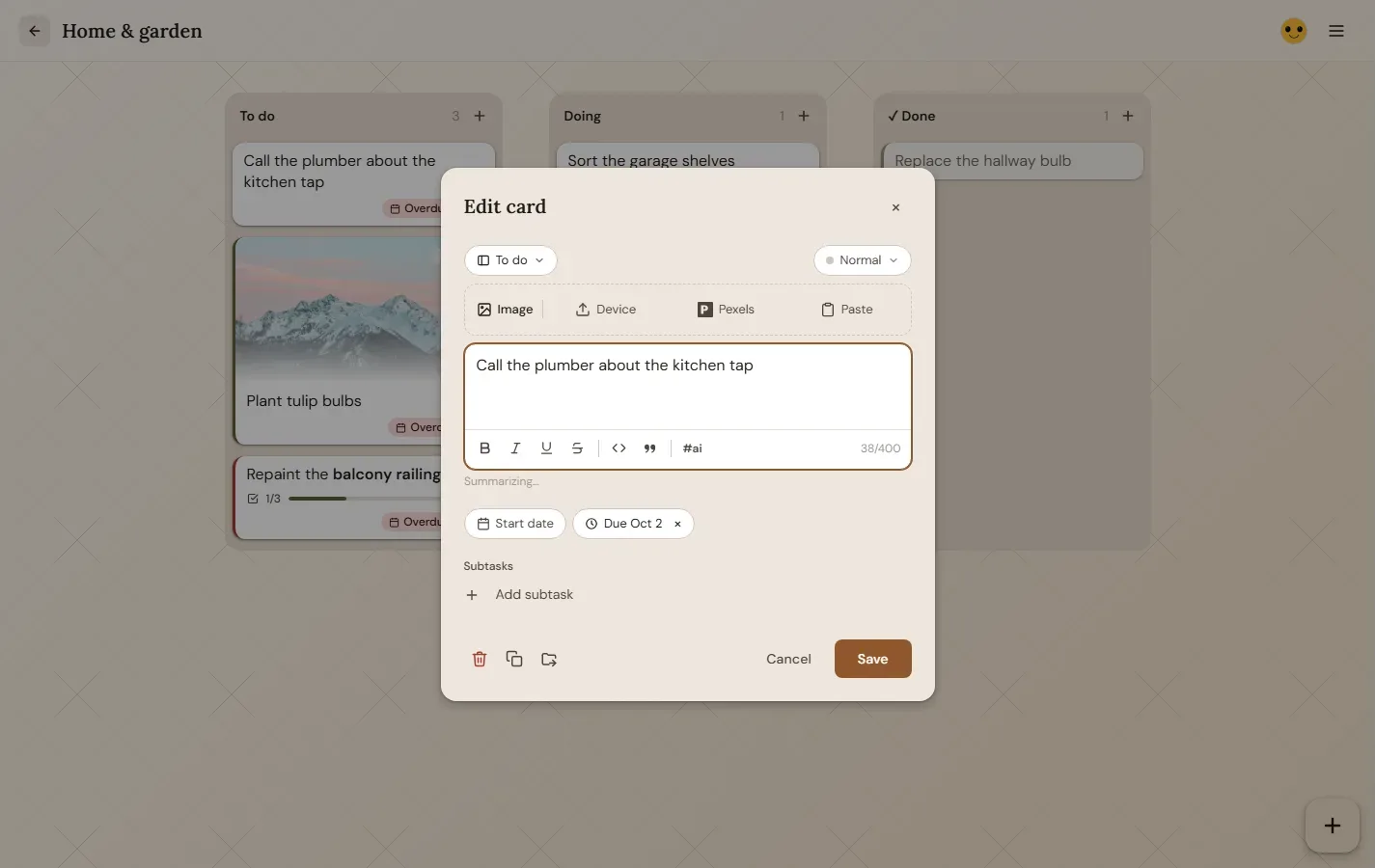
- Deleting a card asks about it by name, so you know which one is going.
- Edit lists: stacked lists are indented and their column gets a double border, so stacks stand out.
- Double-click — or double-tap on phones — a card’s text to edit it, a list’s name to rename it, or the board title to open Board settings.
2026-09-12
- Fresh new look: warmer colours, new board backgrounds.
- Change a board’s settings straight from the boards list.
- Safer sign-in and log out.
- Your first board opens right away.
- Rearrange, stack and delete lists in Edit lists.
- Board actions live in the ⋯ menu. Shortcuts: C new card, L new list, A edit lists.
- Faster, steadier drag and drop.
- Phones: simpler bottom bar and smoother swiping between lists.
2026-05-09
- Achiever moved to happy2live.online, with a new start page.
Earlier
- Stackable lists, card images and Pexels photos, subtasks, due dates, formatted card text, drag and drop.